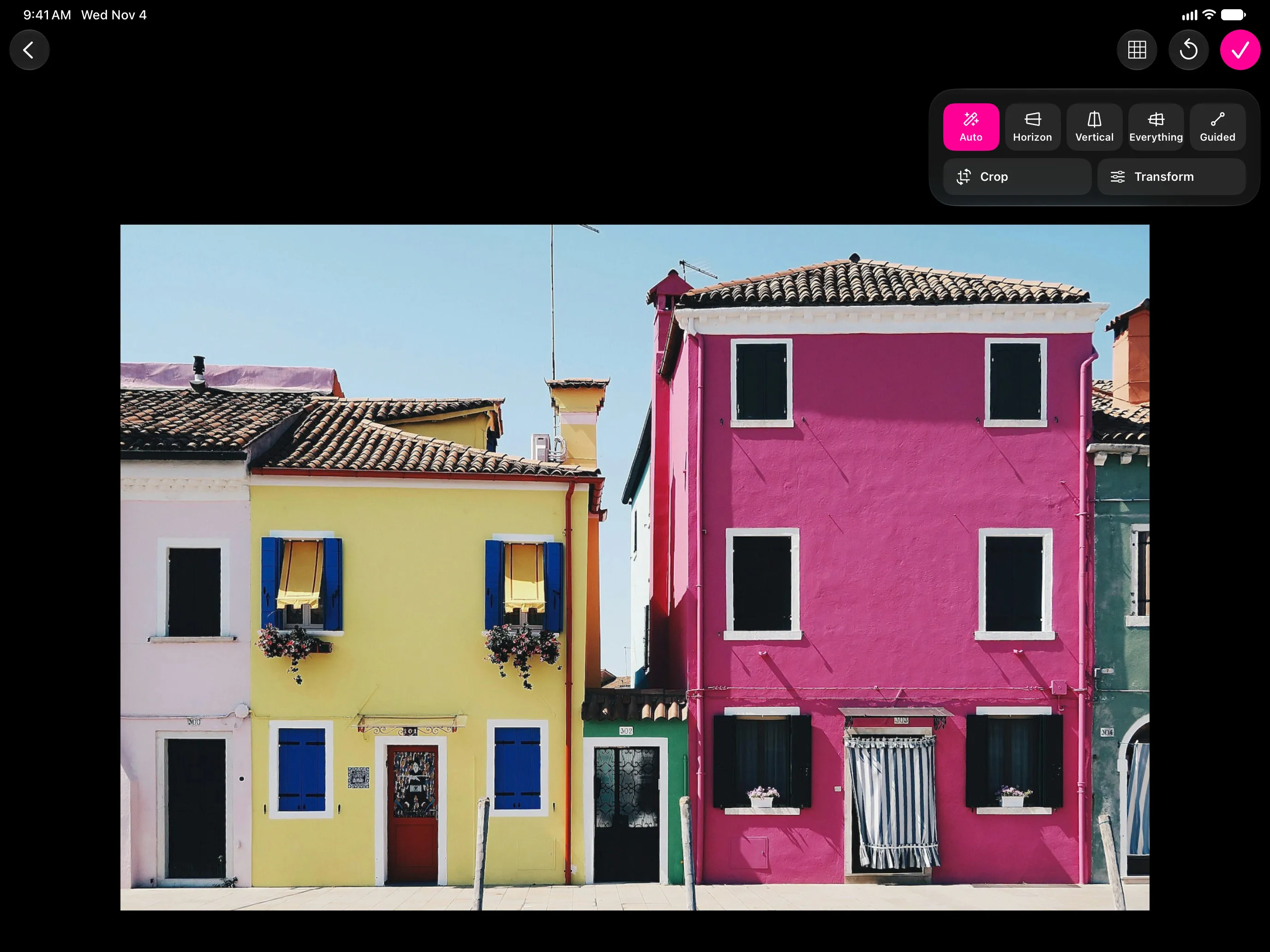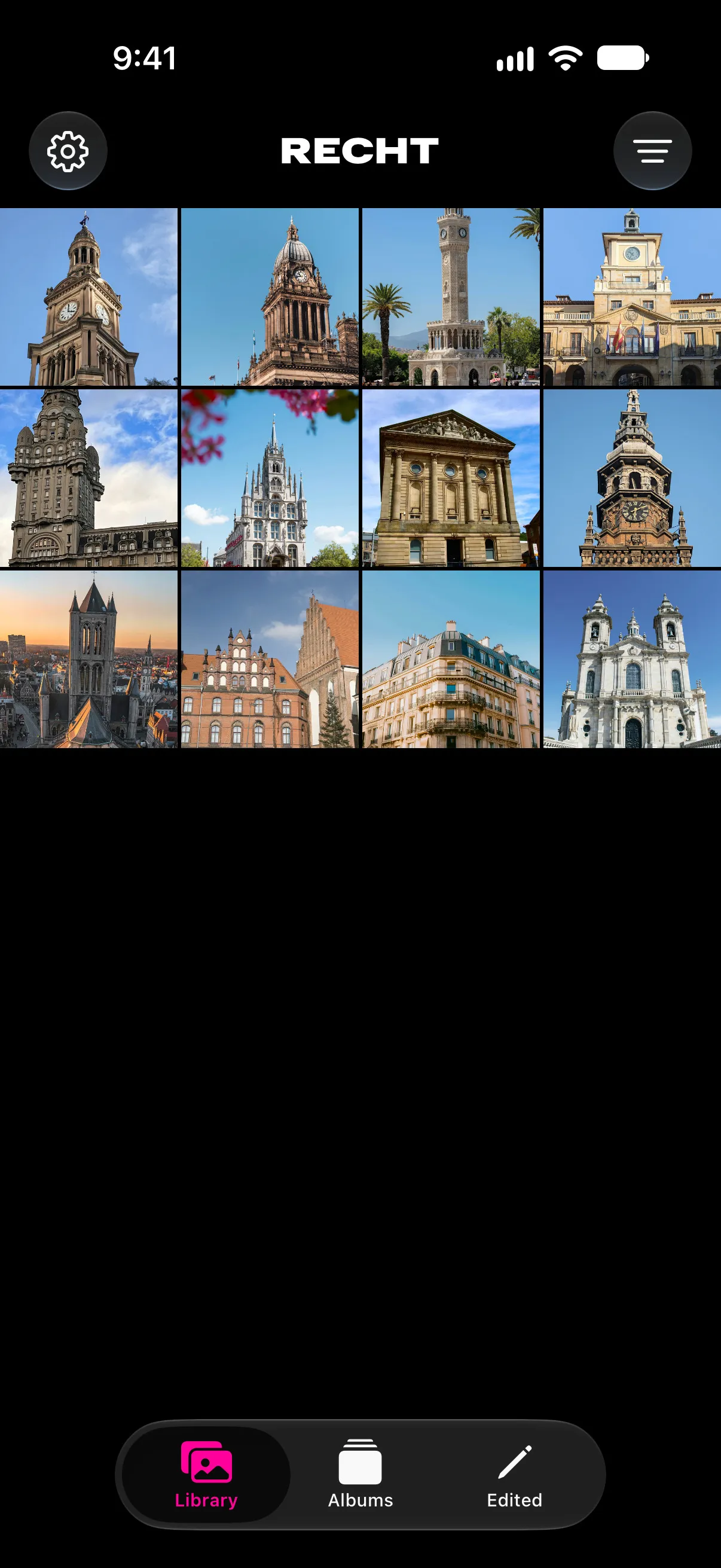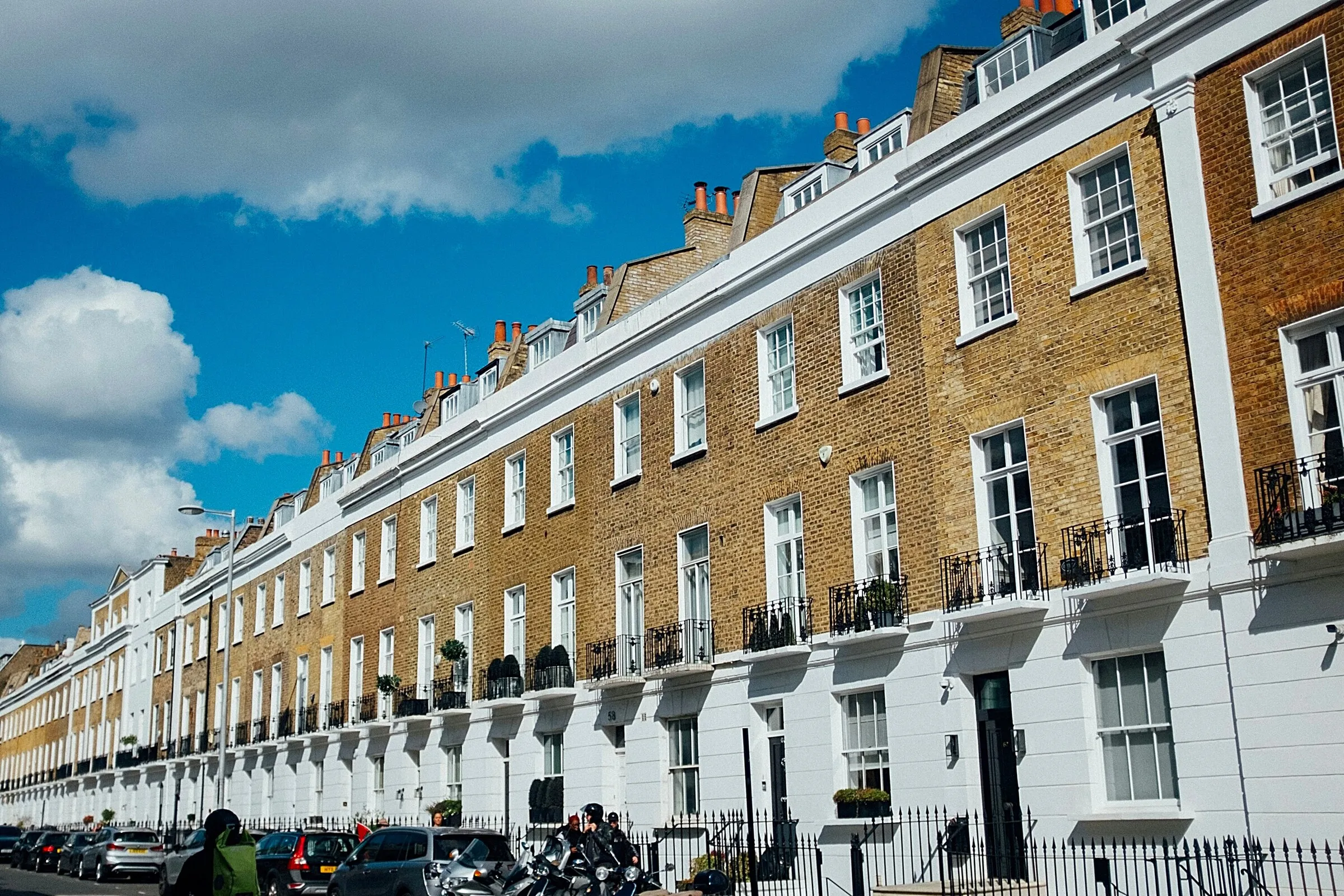










Launch price€4.99
Save and share every photo you straighten.
- On your iPhone and iPad, and in Photos
- Shared with your family
- One payment, no subscription
Straighten the perspective in your photos.
Coming soon to the App Store
For iPhone and iPad
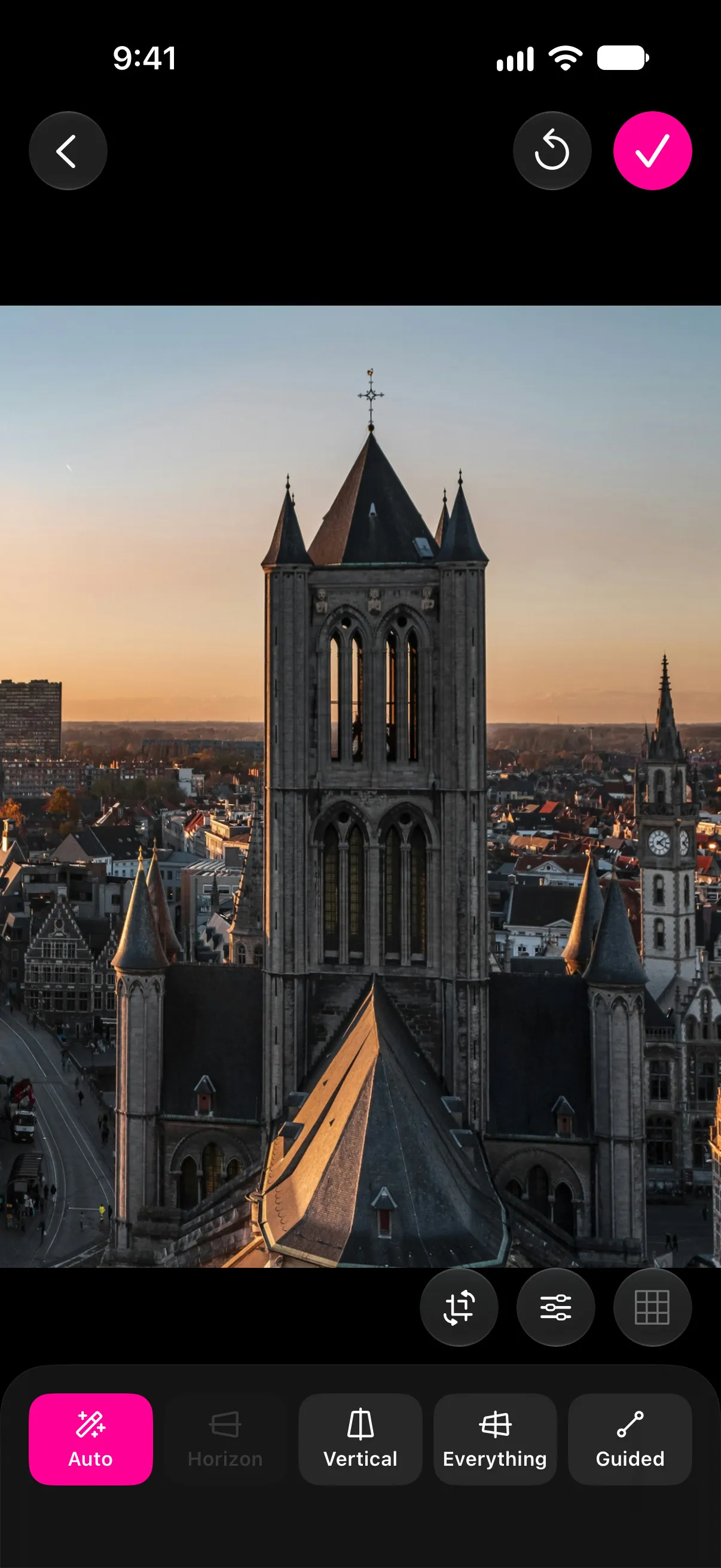
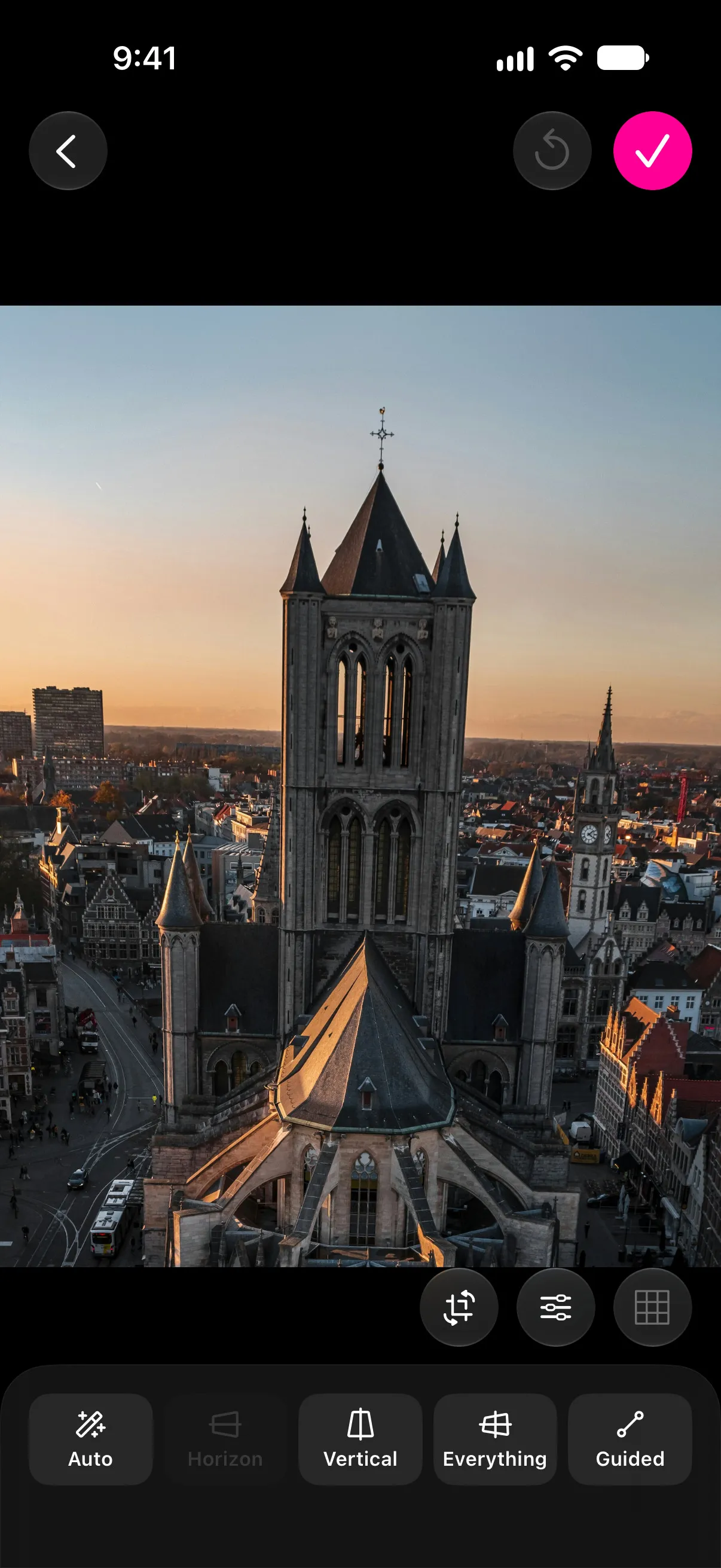

Real photos, straightened with Auto.

Auto handles most photos in one tap. When you want to tweak it, switch to guides or sliders.
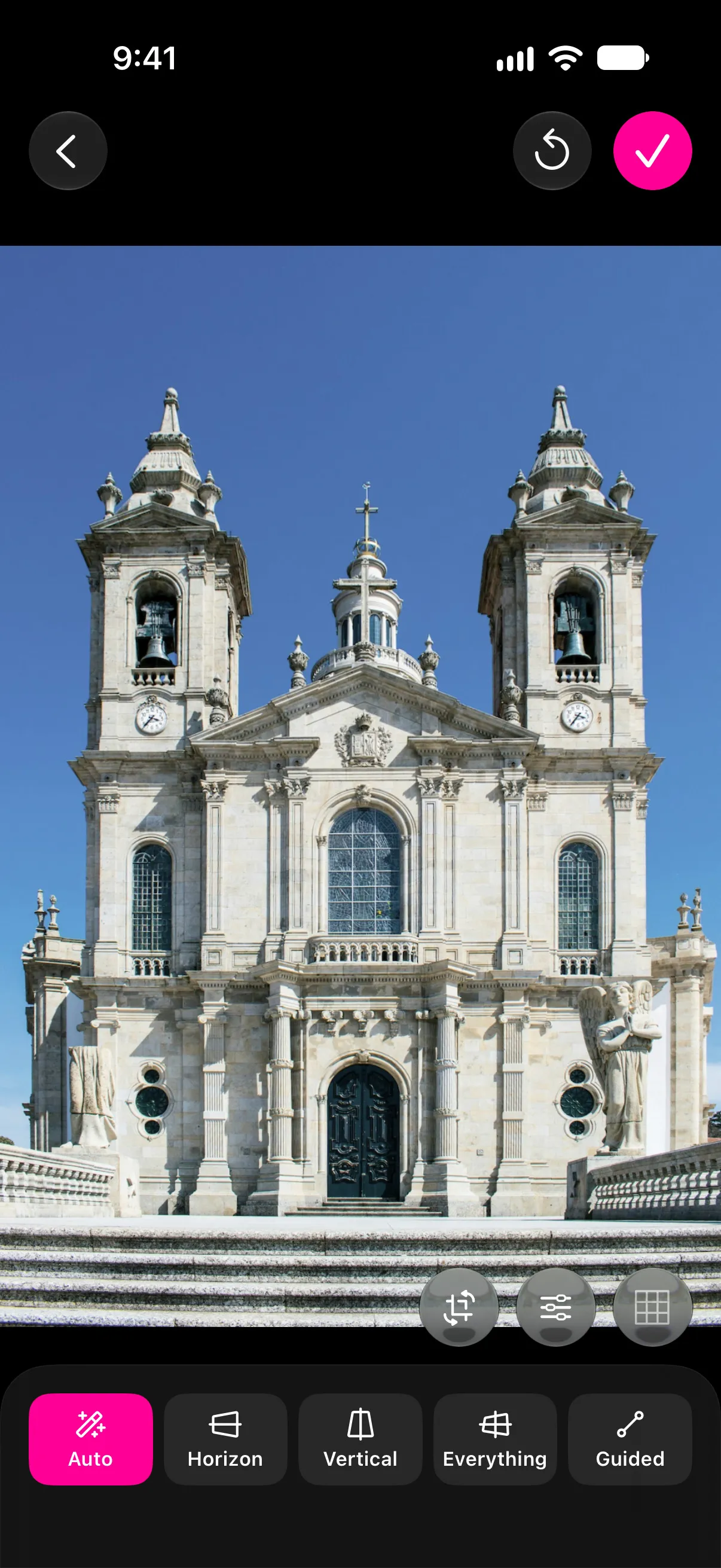
Auto
Recht detects the lines in your photo and fixes the horizon, verticals, or both. If you only want one of them, the other modes are right next to Auto.
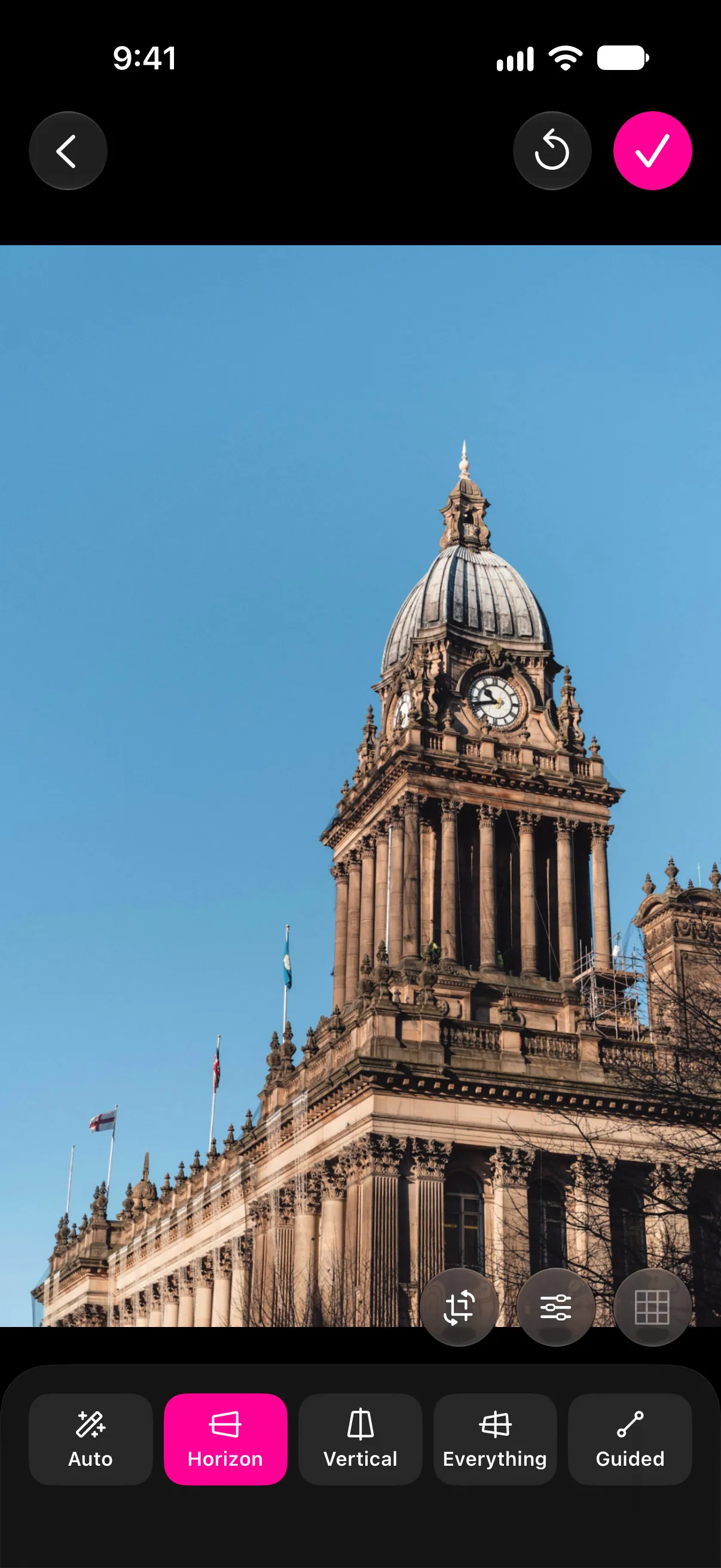
Horizon
Rotates your photo just enough to level the horizon and horizontal lines, without changing vertical perspective.
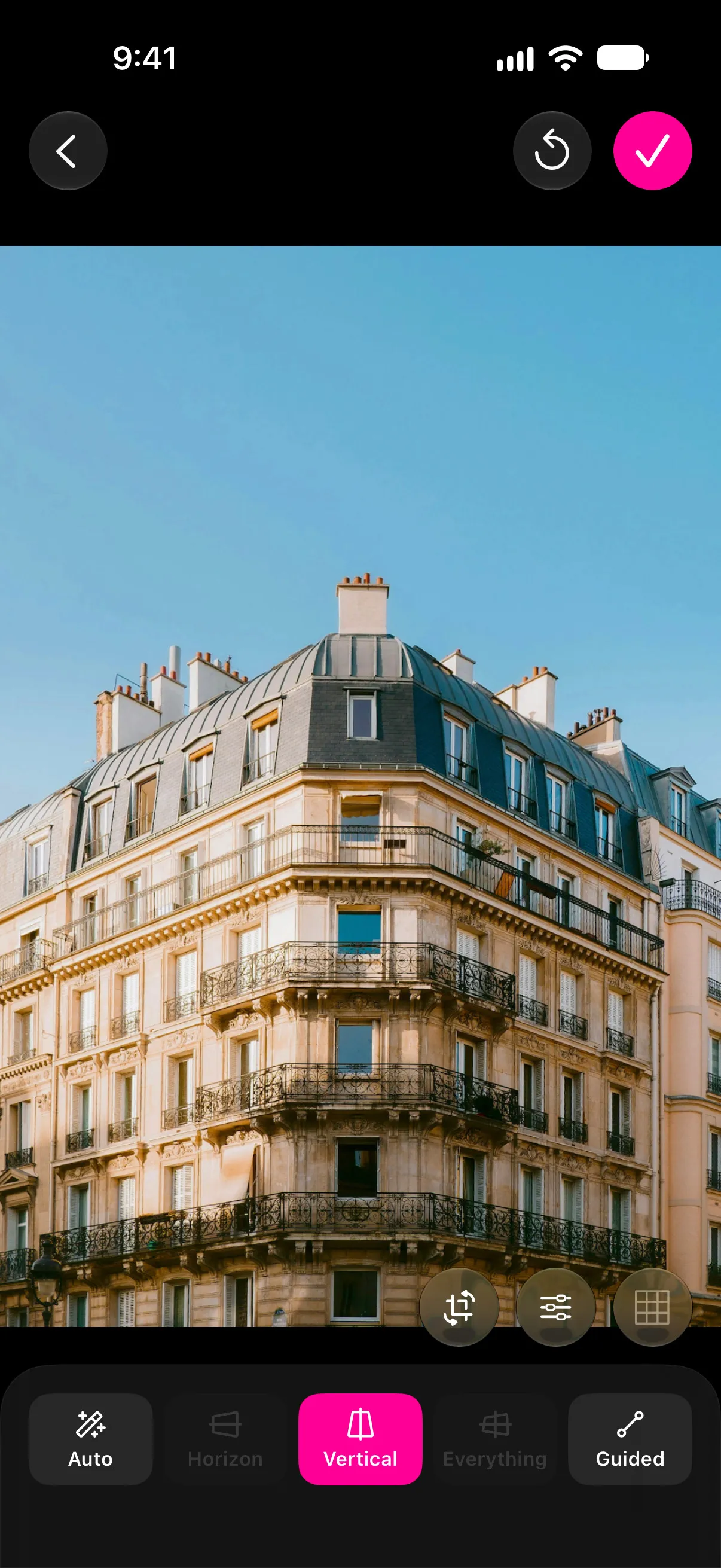
Vertical
Straightens leaning walls when you tilt your camera up at a building.
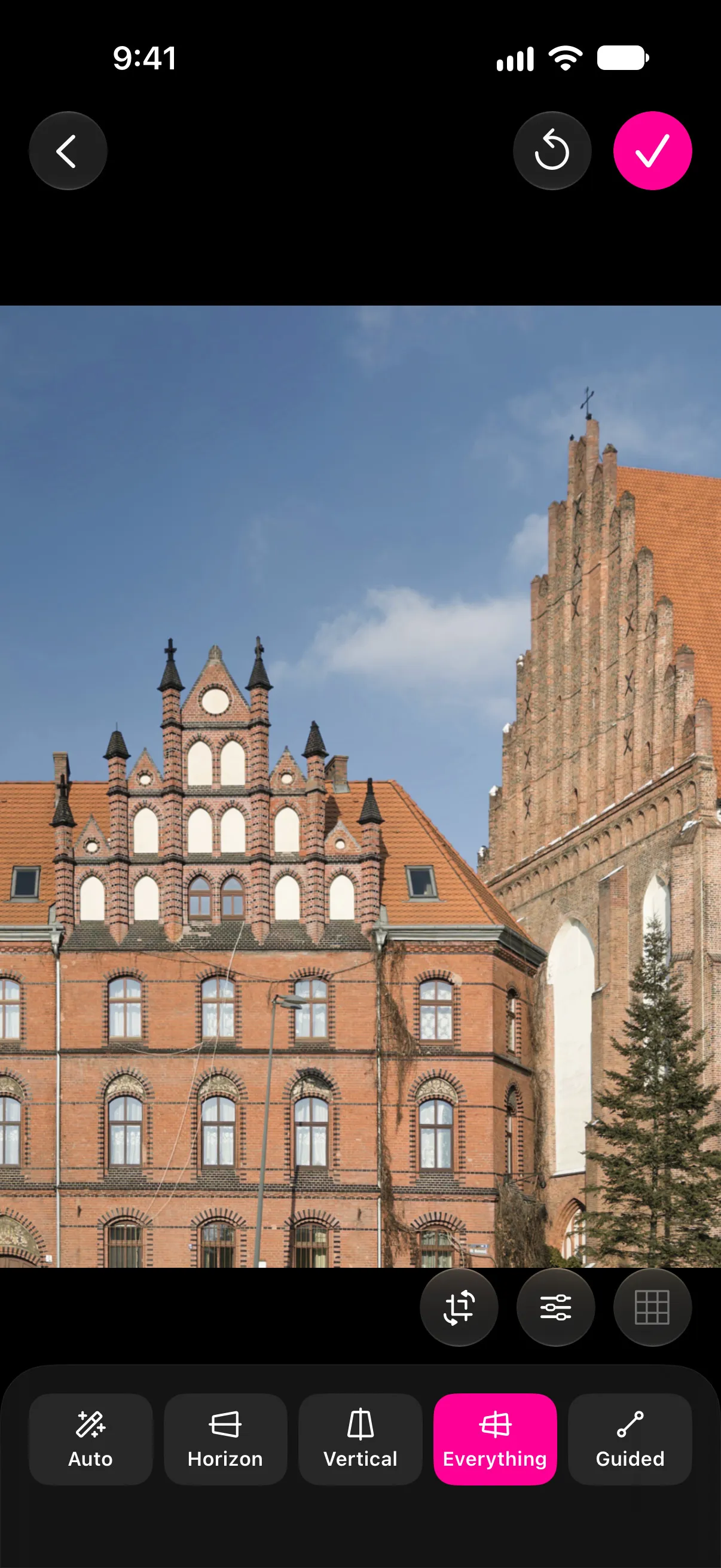
Everything
Fixes vertical and horizontal perspective together, as if you photographed a facade straight on.
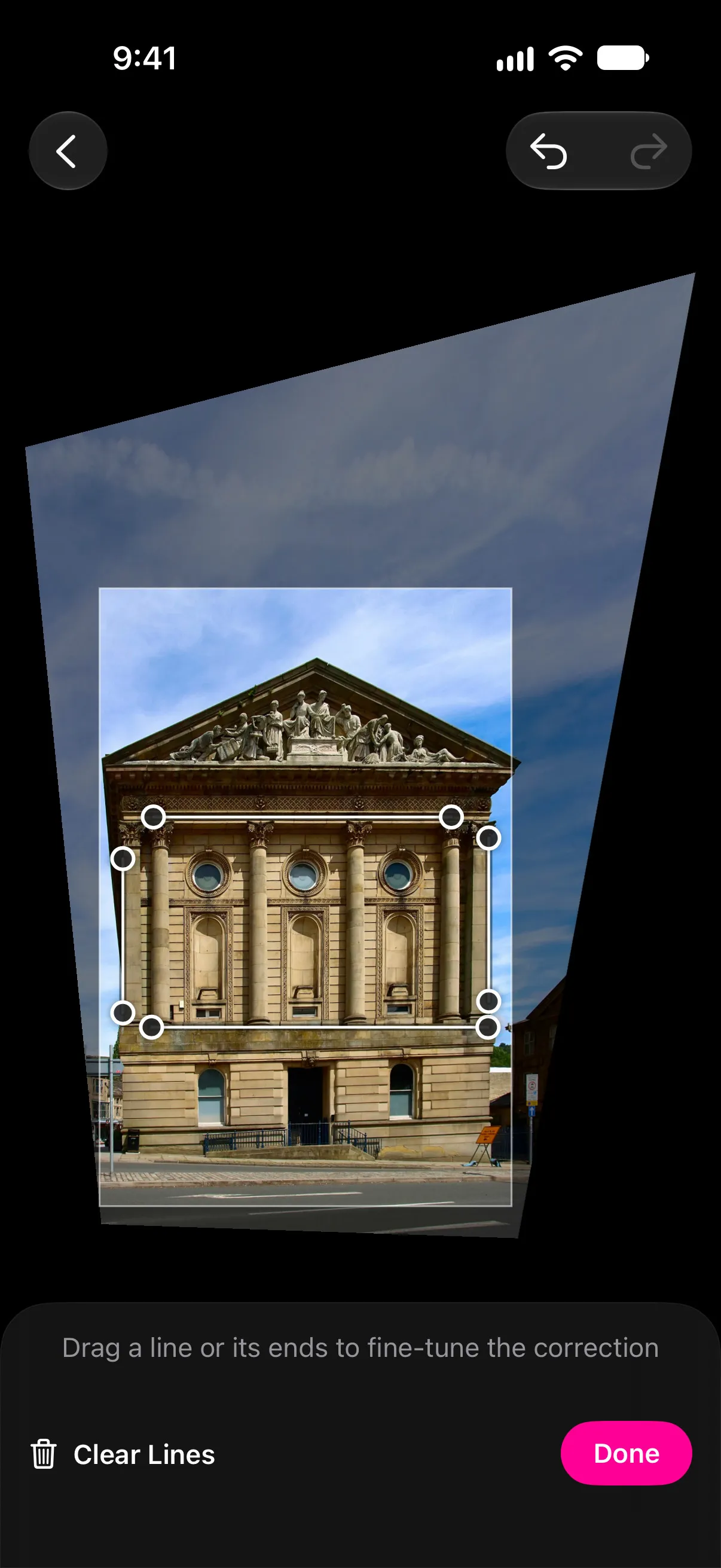
Guided
Draw up to four guides along edges that should be vertical or level, and Recht aligns the photo to them. Guides snap to lines Recht already found.
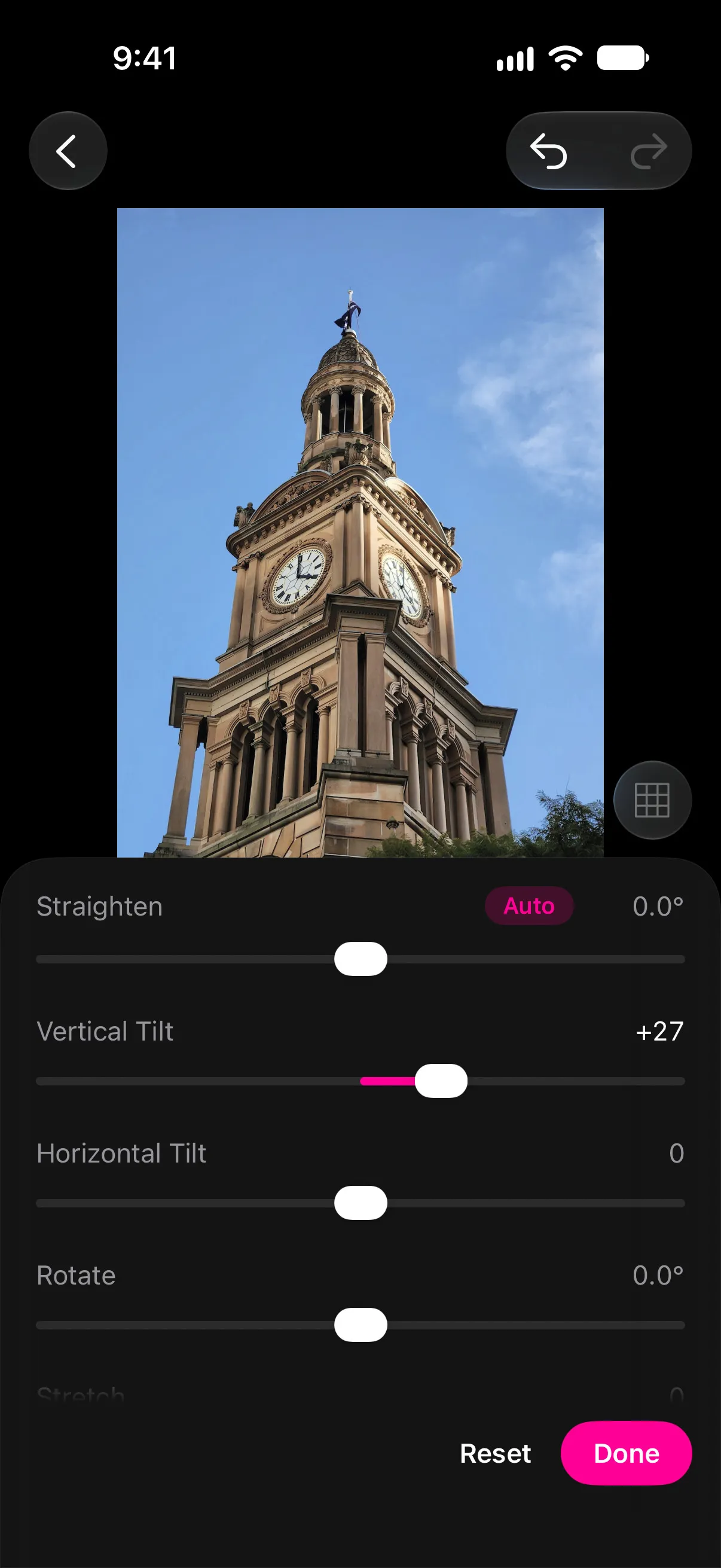
Transform
Straighten, Vertical and Horizontal Tilt, Rotate, Stretch, Zoom In and Shift. Auto Straighten keeps the horizon level while you work.
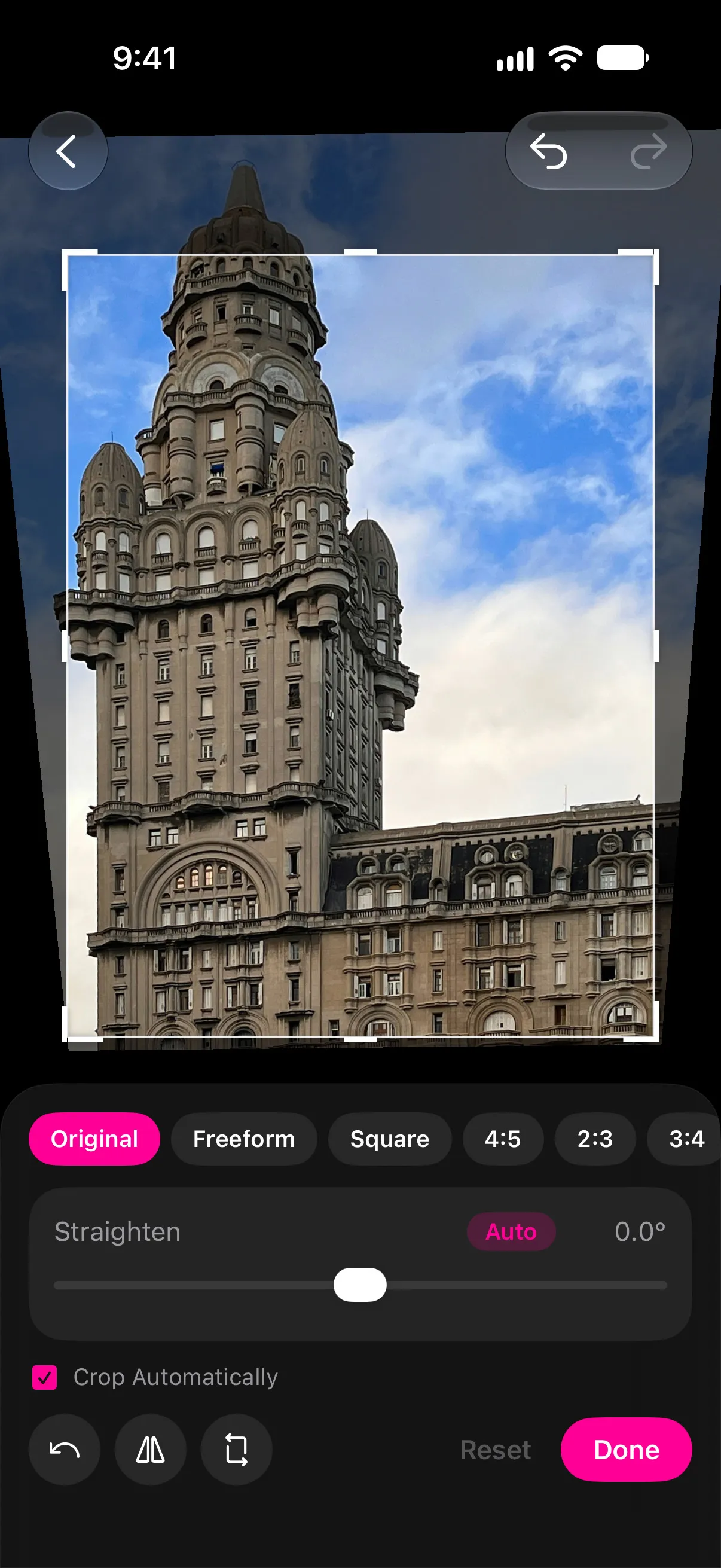
Crop
Automatically crops out empty edges after straightening. Or pick an aspect ratio, rotate, and flip, with full undo and redo.
Saves at full resolution with HDR intact. JPEGs stay JPEG; other formats save as HEIC unless you change it in Settings.
Edits save directly to your Photos library. Revert to the original in Photos at any time, or reopen the photo in Recht with your settings intact.
Your photos never leave your iPhone or iPad. No account, no analytics, no tracking.
Editing is free, including saving and sharing your first three photos. After that, Recht Unlimited unlocks unlimited saves.
Launch price€4.99
Save and share every photo you straighten.
The Photos app can straighten a photo and tilt it with sliders. Recht is made for perspective: it finds the lines in your photo, works out where they meet, and corrects both directions at once, or follows lines you draw yourself. Then it crops for you, so no empty corners show.
No. Like edits in Apple Photos, Recht saves changes non-destructively. You can revert to the original at any time, Live Photos stay live, and reopening a photo in Recht keeps your settings. You can also save a copy instead.
Downloading and editing are free, and so are saving and sharing your first three photos. After that, Recht Unlimited is a one-time purchase in the app, not a subscription. It works on every iPhone and iPad with your Apple Account, and with Family Sharing your family gets it too.
No. Everything runs locally on your iPhone or iPad. There’s no account, no analytics, and no tracking; Apple handles the purchase.
On iPhone with iOS 26 or later, and on iPad with iPadOS 26 or later.
Yes. While you edit a photo in Photos, tap ••• and you’ll find Recht among the extensions. You can also open images from Files and other apps in Recht.
It unlocks automatically on devices signed in to your Apple Account. If it doesn’t, open Settings in Recht and tap Restore Purchases.
Free to download. Try it on your first three photos.
Coming soon to the App Store
Requires iOS 26 or iPadOS 26